
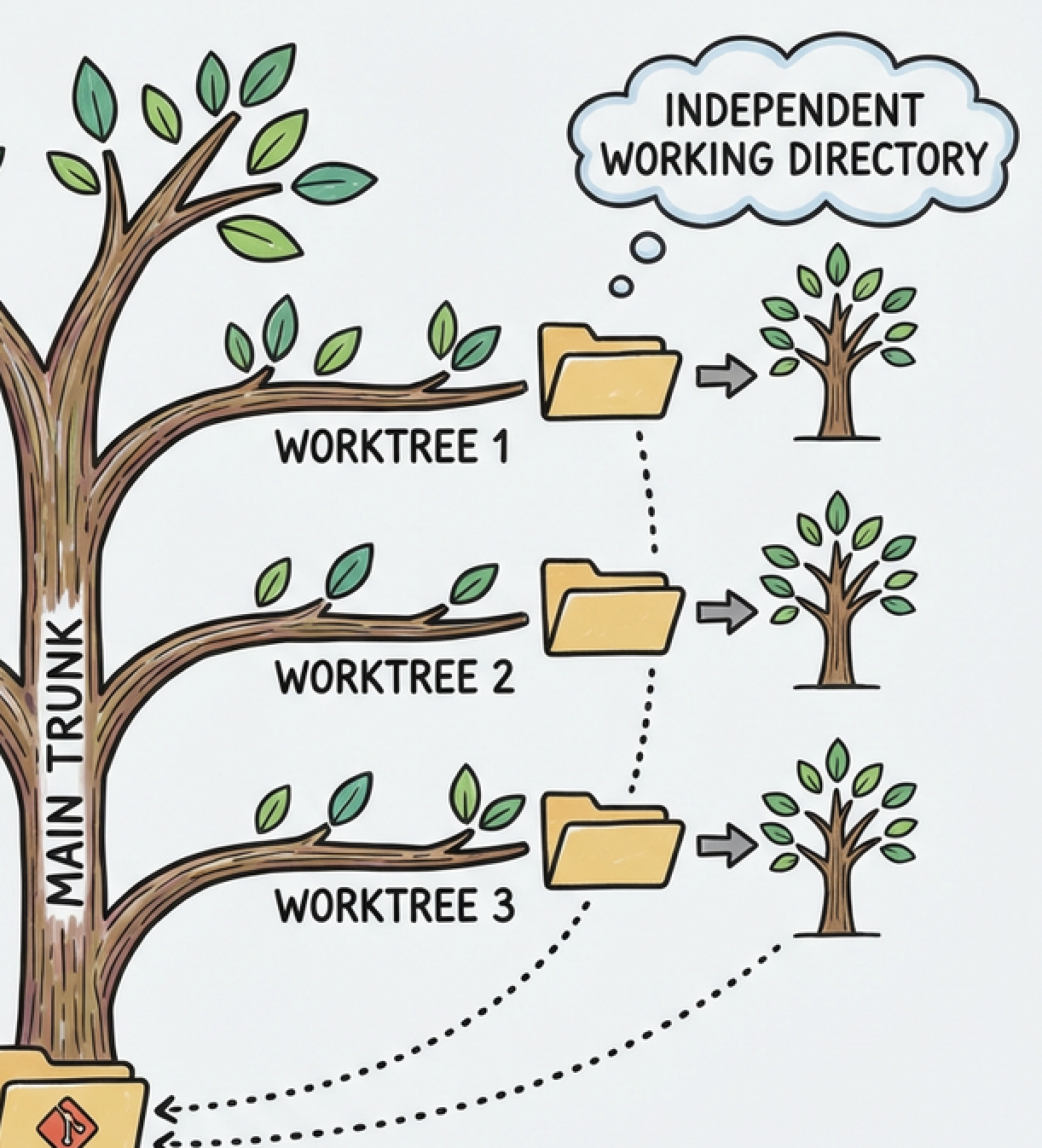
git worktree remove ../task-a
git worktree remove ../task-a
git worktree remove ../task-a
git worktree remove ../task-a
git worktree remove ../task-a
git worktree remove ../task-a
git worktree remove ../task-a
git worktree remove ../task-a
git worktree remove ../task-a
git worktree remove ../task-a
git worktree remove ../task-a
git worktree remove ../task-a
git worktree remove ../task-a
git worktree remove ../task-a
git worktree remove ../task-a
git worktree remove ../task-a
Cmd+Shift+P- Type “Install ‘cursor’ command”
- Select it

git worktree remove ../task-a
git worktree remove ../task-a
git worktree remove ../task-a
git worktree remove ../task-a
git worktree remove ../task-a
git worktree remove ../task-a
git worktree remove ../task-a
git worktree remove ../task-a
Leave a Reply